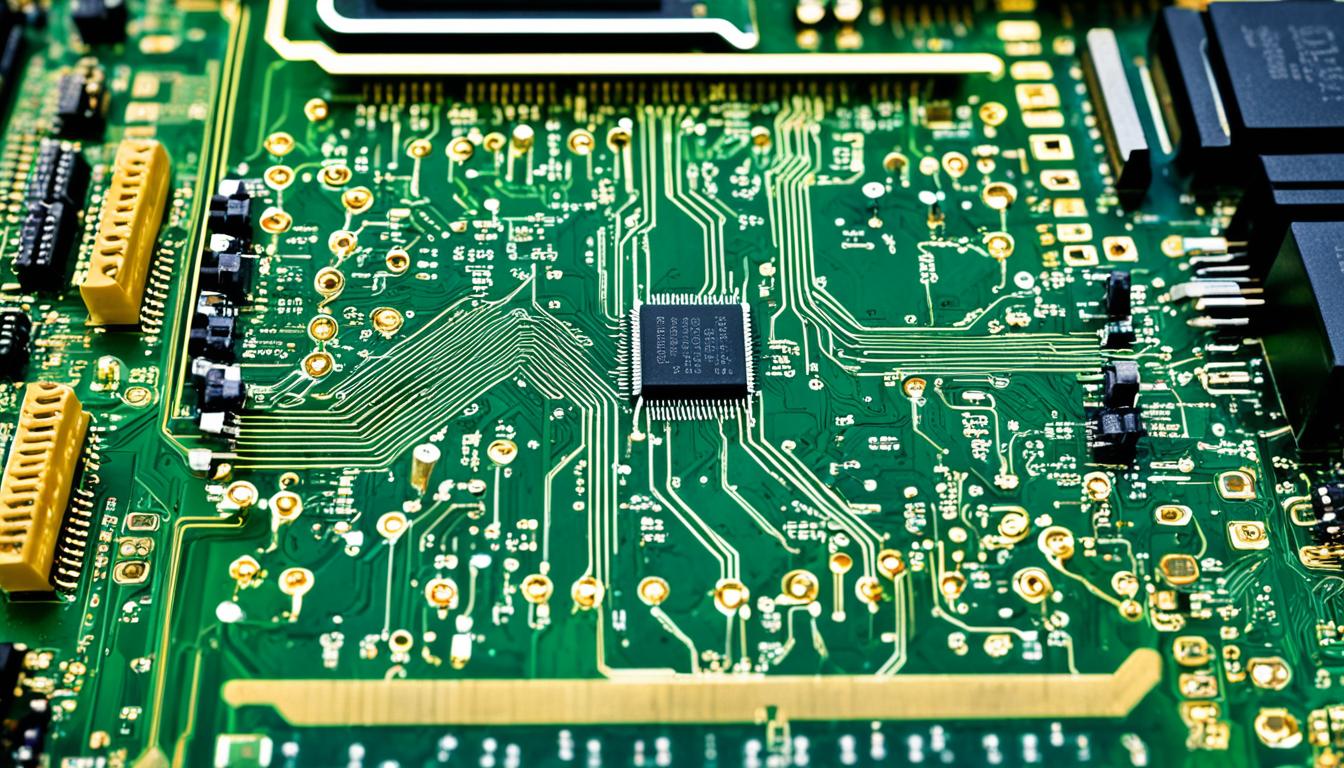
Computers are a big part of our daily lives, making many tasks easy and efficient. Ever wondered how these amazing machines work? This guide will take you inside the world of computers, showing you the key parts and how they work together.
The central processing unit (CPU), often called the “brain,” is at the core of a computer. It reads and carries out the instructions for programs, handles data, and manages the system’s parts. To get how computers work, we’ll look at the CPU and how it works with memory and storage.
Software, like operating systems and apps, also plays a big role. It lets computers do lots of things, from saving and finding data to talking to other devices. The mix of hardware and software makes computers so powerful.
If you love tech or just want to know more about computers, this guide is for you. By the end, you’ll understand the basics of computer architecture and how they work. You’ll see the complex and interesting world of computing in a new light.
Exploring the Inner Workings of Computers
Computers have changed how we live, work, and talk to each other. They have complex systems that process information and do many tasks. We’ll look into how computers work, including their architecture and the language they use.
An Introduction to Computer Architecture
Computer architecture is about designing the main parts of a computer. These parts include the CPU, memory, and input/output devices. They work together to do tasks and process data. Knowing how these parts work helps us understand computers better.
Understanding Binary: The Language of Computers
Computers use a language called binary code, made up of 0s and 1s. This language is used for all data, from text to videos. Learning about binary helps us see how computers work and do complex tasks.
As we learn more about computers, we see how their parts work together. From the CPU to memory to input/output devices, they make powerful machines. Knowing about computer architecture and binary helps us understand modern technology better.
The Central Processing Unit (CPU): The Brain of a Computer
At the heart of every computer is the central processing unit, or CPU. It’s often called the “brain” of the computer. It does the main work, like executing instructions and making the calculations that run our devices.
The CPU is a complex chip that controls a computer system. It takes in data, follows the instructions in memory, and produces output. This happens super fast, with modern CPUs doing billions of operations every second.
The CPU has important parts like the arithmetic logic unit (ALU) for math and logic, and the control unit for managing data and instructions. It also uses registers to store and get data quickly.
How well a computer works depends a lot on its CPU. New CPU technologies, like faster speeds, more cores, and new designs, have made computers much more powerful over time.
Knowing how the CPU works is key to understanding computers. As the computer’s central nervous system, the CPU makes everything run smoothly and gives us the power to do amazing things online.
Random Access Memory (RAM): The Workhorse of Computers
At the core of every computer is a key part called random access memory (RAM). It stores data and instructions the CPU needs fast. Unlike hard drives, RAM lets the computer get information quickly, making tasks run fast.
Volatile vs. Non-Volatile Memory
RAM is different from other computer memories because it’s volatile. This means data in RAM is lost when the power goes off. Hard drives and solid-state drives, on the other hand, keep data even without power.
RAM’s volatility has both good and bad sides. It’s great for fast data access, crucial for running programs and tasks. But, it means data isn’t saved, so the computer must reload it every time it turns on.

The amount of RAM affects a computer’s performance. More RAM means more data and instructions ready for the CPU, cutting down on slower storage use. This leads to a smoother experience, especially with demanding apps or multitasking.
Storage Devices: Keeping Your Data Safe
For computers, storing and getting data back is key. Hard disk drives (HDDs) and solid-state drives (SSDs) are the main types used. Knowing how they differ helps you pick the right storage for your computer.
Hard Disk Drives (HDDs) and Solid-State Drives (SSDs)
Hard disk drives (HDDs) have been the go-to for storing data for a long time. They use spinning platters covered with a magnetic layer to keep data. HDDs are affordable and can hold a lot of data, but they’re slower and more likely to break than SSDs.
Solid-state drives (SSDs) are becoming more popular. They use flash memory for storing data, making them faster and more reliable. SSDs don’t have moving parts, so they’re less likely to get damaged or fail, making them great for storing data.
When deciding between HDDs and SSDs, think about what you need. If you want lots of storage and don’t mind slower speeds, an HDD might be best. But if you want speed, reliability, and durability, an SSD is a better choice.
Input and Output Devices: Interacting with Computers
Computers are amazing machines, but they need our help to work well. They must take in our commands and show us information. This is why we use input and output devices, which connect us to our computers.
Devices like keyboards and mice let us tell the computer what to do. They turn our actions into signals the computer can understand. Without these, computers would just sit there, doing nothing.
On the other side, devices like monitors, printers, and speakers show us what the computer is doing. They let us see documents, hear sounds, and see pictures. These devices make the computer’s work visible and audible to us.
Together, input and output devices let us really talk to computers. They connect the digital world with our own, making it possible to use computers in many ways. This helps us work, learn, and have fun in new ways.
Educational: Demystifying Computer Fundamentals
In today’s fast-changing tech world, knowing the basics of computer systems is key. This part will give you a full view of computer education. It covers the key parts of computer basics and helps you understand these important machines better.
Computers are now a big part of our everyday lives. They let us talk, work, and have fun in ways we never could before. But for many, how these devices work can seem too hard to get. By looking into the main parts and how they work, we can make technology easier to understand. This lets you move through the digital world with more confidence.
This section will take you through the main parts of computers. You’ll see how the central processing unit (CPU) and memory work together. You’ll also learn about storage devices, input and output devices, and the software that makes computers run. By the end, you’ll know a lot about computer education, computer basics, and understanding computers.
If you’re a student, a professional, or just interested in technology, this journey will give you the knowledge you need. You’ll learn how to use and understand computers better. So, let’s start this exciting look into the basics of the digital world.
The Role of Software in Computer Operations
Computers are amazing machines, but they need special fuel to work well – software. When you turn on your device, software plays a key role. It manages system resources and lets you do many tasks and functions.
Operating Systems and Applications
The heart of a computer’s software is the operating system (OS). It’s like the main command center. It makes sure the hardware and apps talk to each other. You might use Windows, macOS, or Linux, but the OS keeps your computer running right.
Computers also have many apps that help you do specific tasks. You might use Microsoft Office or Google Workspace for work. Or Adobe Creative Cloud for art. These apps let you create, communicate, and achieve your goals on your computer.
The OS and apps work together to make your computer powerful. The OS sets the stage, and apps add more features. You can do everything from word processing to editing videos and browsing the web.

Without the right software, your computer would just sit there, unused. Software makes it come alive. It lets you use its power for all sorts of tasks and explore the digital world.
Networking and the Internet: Connecting Computers
In today’s world, computer networking and the internet are key to staying connected. They let computers talk to each other, share information, and access resources all over the globe. It’s important to know how these technologies work if you want to keep up with tech.
Computer networking connects computers through different kinds of links. These links create local and wide area networks. These networks help share information, files, and services over long distances.
The internet uses routers, servers, and protocols to connect us globally. It has changed how we work, learn, and talk to each other. Now, we can connect with others across the world easily.
Things like email, instant messaging, online banking, and streaming videos have changed our lives. Knowing how computer networking and the internet work helps us use these tools better. It lets us enjoy the many benefits and chances they offer.
Advancements in Computer Technology
Computer technology has seen huge leaps over the years, thanks to a constant drive for new ideas. At the core, advancements in computer tech have always pushed what’s possible with computers.
Moore’s Law and Performance Improvements
Moore’s Law is a big reason for the fast growth in computer tech. It was first noted by Intel co-founder Gordon Moore. He said that every two years, more transistors fit on a microchip, making computers cheaper.
This idea has led to big improvements in how computers work and how much they cost. Now, computers can do complex tasks much faster and cheaper. They’re more powerful, which means they can handle more tasks efficiently.
This means we get faster speeds, more storage, and advanced software. It changes how we use technology every day.
Looking ahead, experts think computer tech will keep getting better. They see big changes coming from things like artificial intelligence, quantum computing, and nanotechnology. These new techs could change many industries and open up new chances for people and businesses.
Troubleshooting and Maintenance: Keeping Computers Running Smoothly
Keeping your computer running well needs regular checks and fixes. This part gives tips on common issues and how to solve them. It helps you keep your system efficient.
Dealing with hardware failures and software problems is part of computer care. Knowing how to spot and fix these issues is crucial. It helps reduce downtime and keeps your computer working for you. Regular tasks like updating software, cleaning disks, and checking for viruses also help. These actions can make your device last longer and avoid problems later.
For both tech experts and beginners, learning computer troubleshooting and upkeep is powerful. Using guides, tutorials, and expert help when needed keeps your computer running smoothly. This way, you can enjoy a hassle-free digital life.